YES Middle School
Engineering Medicine Coolers
Students explore heat transfer as they engineer chemical cold packs and insulation for a container that keeps medicine cool.
unit Overview
Students use the Engineering Design Process to design a medicine cooler system that protects medication from losing efficacy in the heat. Students learn about thermal energy transfer to design a system that cools the air inside the cooler and slows heat transfer into the cooler.
- Grades 6–8
- 9 engineering lessons
- 45–75 minutes per lesson
- 2 computer science modules: Heatwave Visualizations and Medicine Cooler Alarms
- Student materials available in Spanish
Standards Alignment
YES units align with state and national science standards, integrating seamlessly with popular middle school science curricula.
unit Resources
Digital Resources (FREE)
YES provides these materials free of charge! Use the link below to download resources from our Google Drive.
Download ResourcesPurchase Materials
- Full-color print educator guide, plus multiple sets of heavy-duty reusable color-print resources (ex. vocabulary cards, materials glossaries, station signs, and student instructions) for the class.
- Hands-on materials to support 24 learners.
- Supplements Materials Kit to serve up to 24 more students.
Unit Map
Teacher Preparation Videos
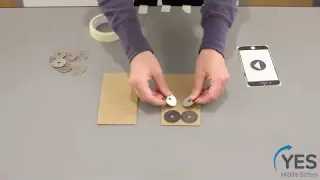

Lesson 1 Preperation: Model Phone
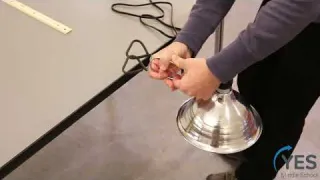
Lesson 3 Preparation: Clamp Lamp
Videos for Students

Lesson 2: The Problem
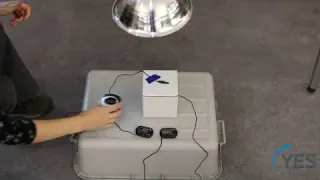
Lesson 3: Materials Investigation Procedure
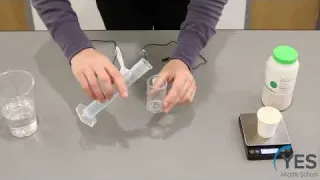
Lesson 4: Potassium Chloride Investigation

Lesson 8: Consider Users
Our funders
Major support for this project has been provided by MathWorks.
Heatwave Visualizations
Extend learning with this computer science module designed to be taught after Engineering Medicine Coolers. Students explore how visualizing heatwave data can help them identify which regions and people might be most impacted by hot temperatures. They observe that the same data can be visualized differently and consider how people’s experiences and beliefs could influence the data visualization algorithms.
- Computer science connections: Algorithms and Programming; Impacts of Computing
- 3 lessons
- 45 minutes per lesson
- Computational tools used: MATLAB interactives (free and web-based)
Medicine Cooler Alarms
Extend learning with this computer science module designed to be taught after Engineering Medicine Coolers. Students consider how to alert users that their medicine coolers have warmed to room temperature. Students learn how to write an algorithm so that a micro:bit can continuously monitor the temperature and then alert the user when the temperature has exceeded a certain value.
- Computer science connections: Data and Analysis; Impacts of Computing
- 2 lessons
- 45 minutes per lesson
- Computational tools used: BBC micro:bits (not included in Materials Kit) and MakeCode (free and web-based)